Features and functionality described on this page are available with our new Pro and Enterprise plans. Learn More... |
There are numerous tables of information that can optionally be reported as part of K-means clustering results.
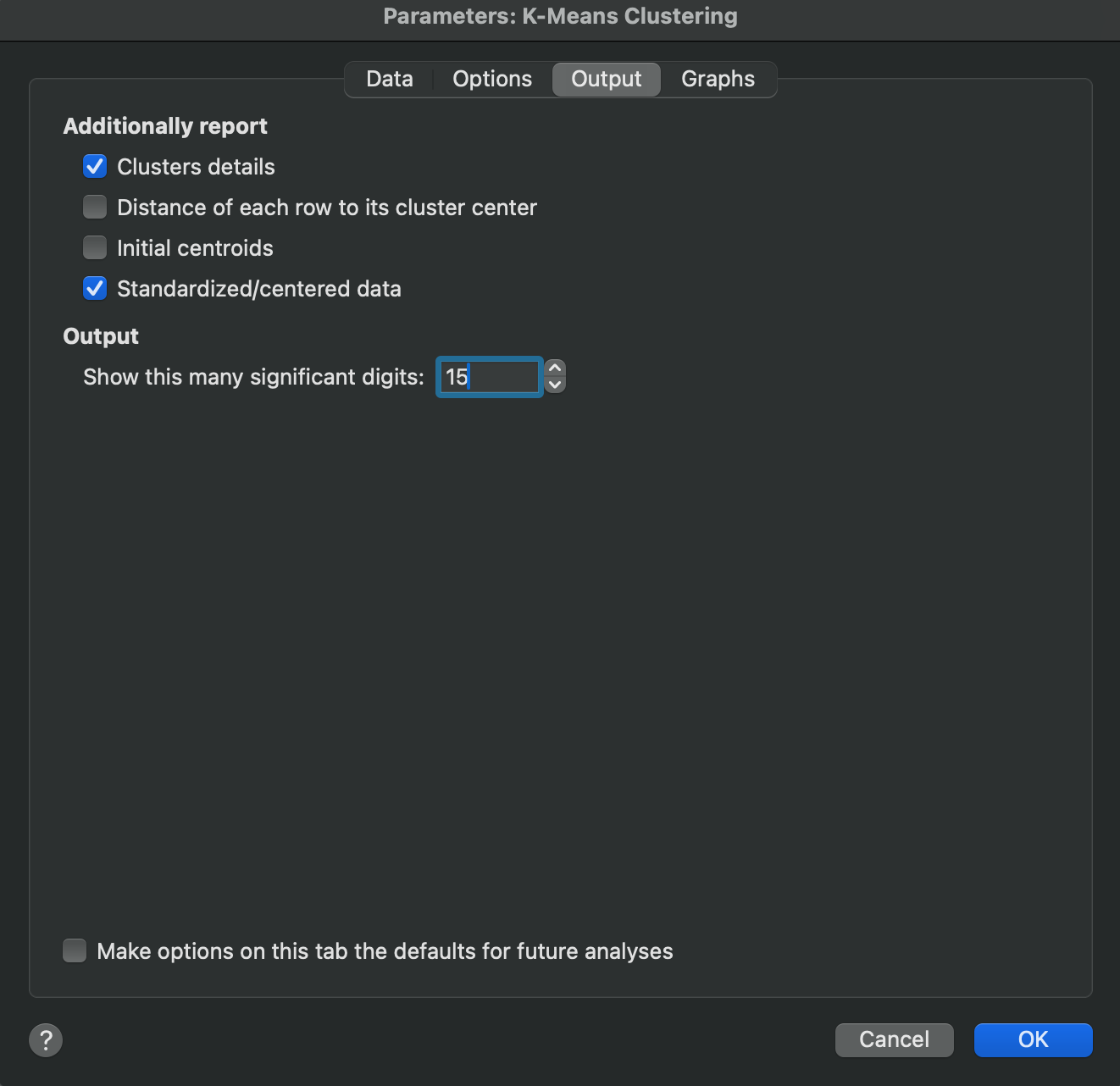
The options on this tab allow you to specify which (if any) of these tables you would like to have reported. These outputs include:
•Clusters details - this table provides information about the clusters with respect to the scaled variables used in the analysis. It includes the location of the cluster centers (with values corresponding to each scaled variable), the sum of squares attributed to each variable, and the total number of observations belonging to that cluster. Note that if a range of clusters is defined on the Options tab of the analysis parameters dialog, Prism will report these values for each cluster within each condition
•Distance of each row to its cluster center - this table displays the scaled input data and adds an additional “distance” column that reports how far each observation (row) was from its assigned cluster center. A few things to note about this table:
oThe data values in this table are the scaled values from the input table. These values will depend on the scaling method selected (None, Standardized, Centered)
oIf a range of clusters was defined on the Options tab of the analysis parameters dialog, Prism will include a separate distance column for each condition. The column title will be an integer value representing how many total clusters were used when fitting the data that resulted in the distance value in that column
oThe distance values reported in the distance column(s) depend on the distance method selected on the Options tab of the analysis parameters dialog.
•Initial centroids - this table lists the location of the initial cluster centers prior to executing the iterative K-means algorithm. Note that it does not matter what value you specify for the minimum and maximum number of clusters to fit to your data, the initial cluster centers will be at the same location for all iterations. However, if you specify a new random seed, these cluster centers will be updated accordingly.
•Standardized/centered data - this table of values is the transformed input data based on selections made in the scaling method section of the Options tab of the analysis. Note that if you choose no scaling (“none”), the option to report this table will be disabled